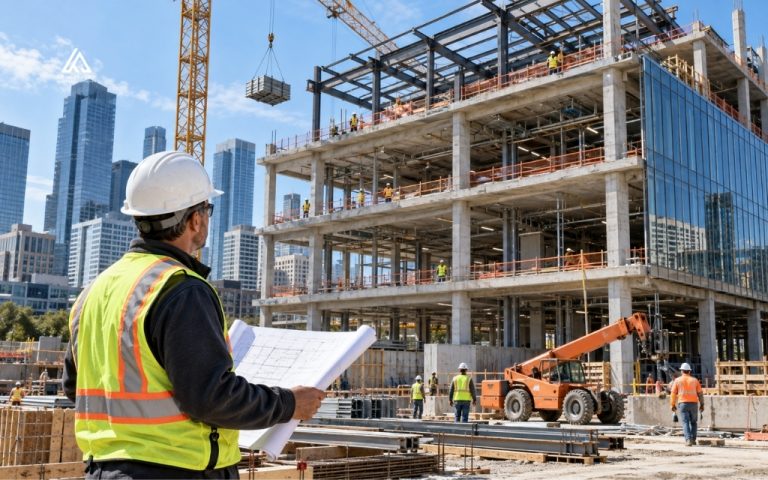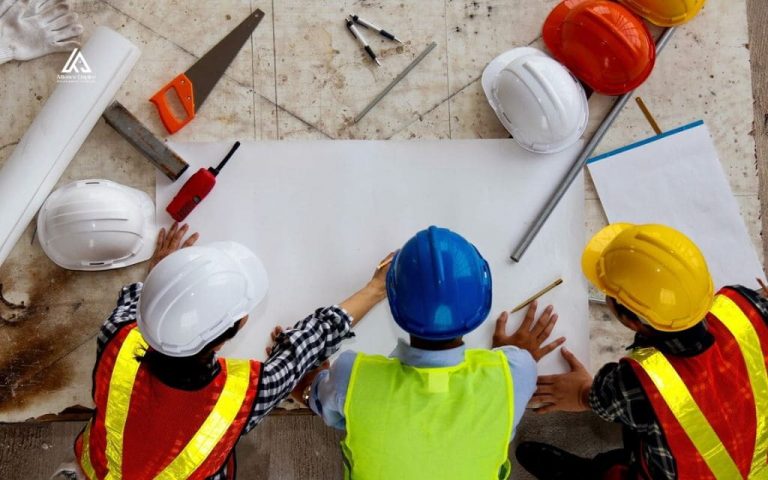

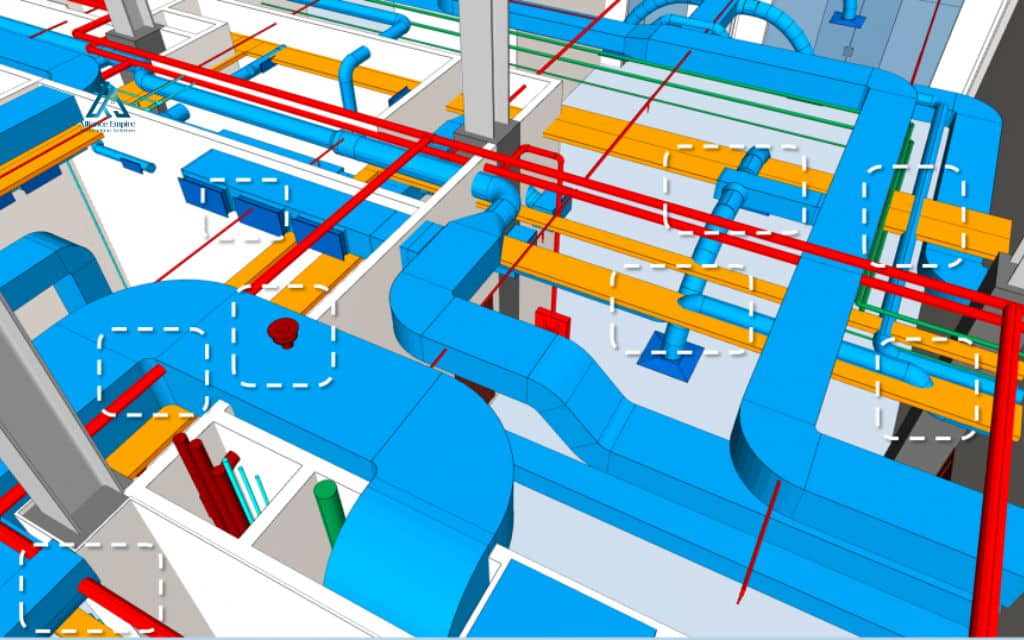
Modern construction projects involve multiple design teams working in parallel: architects, structural engineers, and MEP specialists each build their own model. Those models eventually have to work together inside one building, and conflicts, like a duct running through a beam, often went unnoticed until crews were already on site, forcing rework and delays. BIM clash detection catches these conflicts inside a digital model before a single wall goes up.
This guide covers what clash detection means in BIM, the clash types teams encounter, the step by step procedure, and the benefits it brings to project delivery. It also looks at common implementation challenges and how AI and cloud collaboration are reshaping the process for architecture, engineering, and construction (AEC) professionals.
What is BIM clash detection
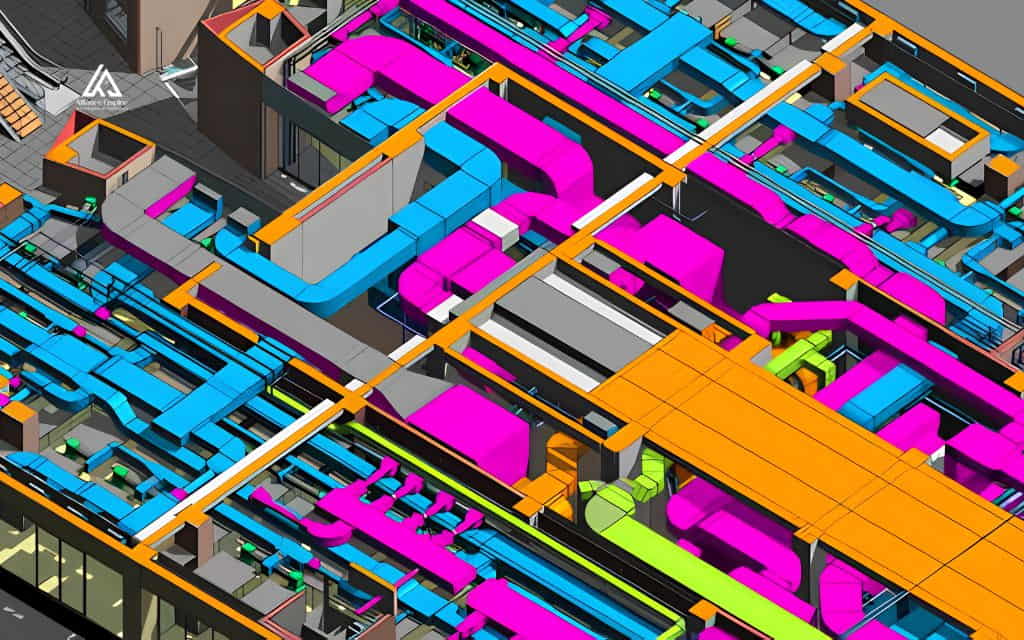
BIM clash detection is the process of identifying conflicts between building elements, structural, architectural, and MEP, within a coordinated 3D model before construction starts. Each discipline typically builds its own model independently:
- Structural engineers work out the beams and columns.
- MEP engineers map ductwork, piping, and conduit.
- Architects define walls, ceilings, and finishes.
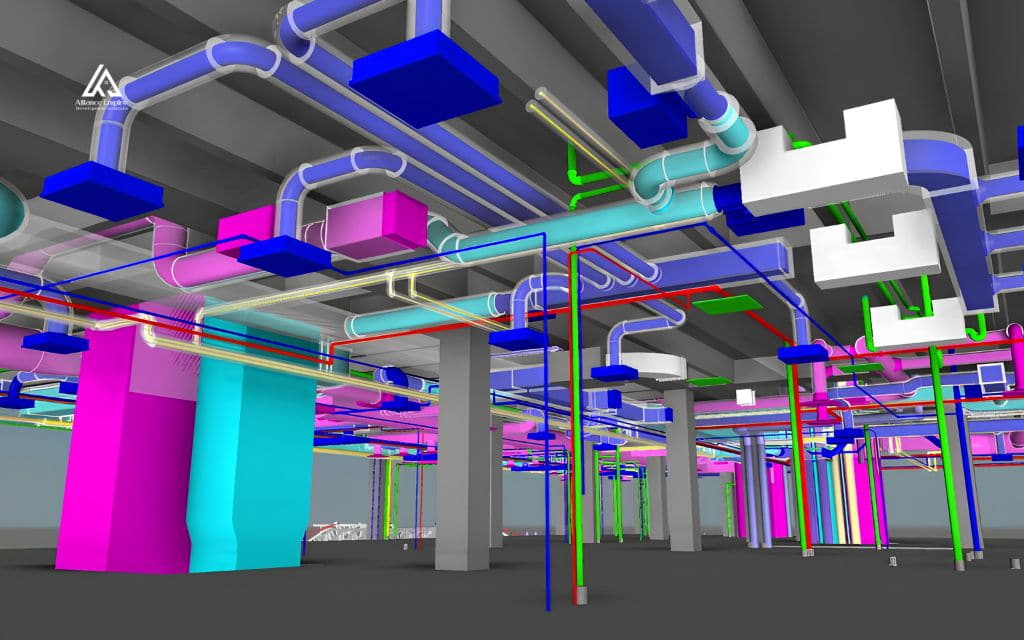
On paper, these models look complete on their own. Once they are combined into a single federated model, overlaps and interferences that were invisible in isolation become obvious.
Why clash detection matters in the design phase
Clash detection in construction matters because it shifts conflict resolution from the job site, where it is expensive and disruptive, back to the design phase, where changes are still just adjustments on a screen.
That is also why the question of what is clash detection in BIM keeps coming up in AEC conversations. It is less a single tool and more a discipline of checking coordinated models against each other on a recurring basis throughout design.
The market for clash detection software has expanded quickly in recent years. But the core question of what is clash detection software actually supposed to catch still comes down to three things: physical overlaps, clearance violations, and scheduling conflicts across every discipline model on the project.
Manual review vs automated clash detection
Before BIM software matured, teams reviewed overlaid drawings by hand, or used light table overlays to compare one discipline’s plan against another. That approach caught the most obvious conflicts, but it depended heavily on the reviewer’s attention and was nearly impossible to repeat consistently across dozens of drawing revisions.
Automated clash detection replaced that manual comparison with software that scans combined models and flags every geometric overlap or clearance violation on its own. Some workflows involve a coordinator setting up specific test rules between disciplines. Others simply aggregate every model into a cloud environment and let the software surface every conflict at once, which teams then filter and prioritize.
Types of clashes in BIM coordination
Hard clashes
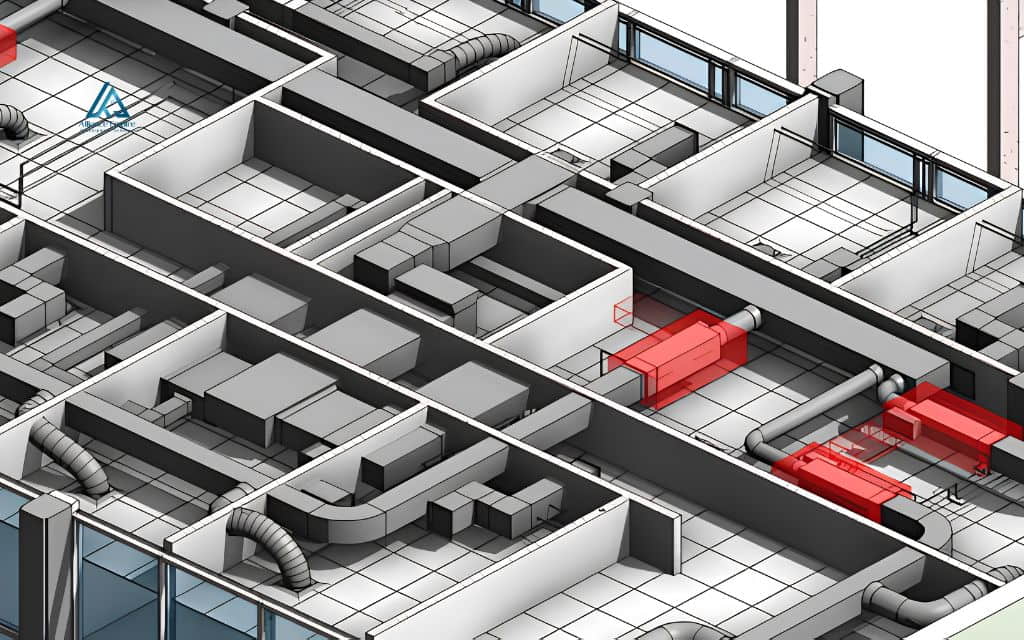
A hard clash happens when two physical elements occupy the same space. A structural beam positioned where a duct needs to run, or a pipe routed directly through an electrical conduit, are both hard clashes.
These are usually the easiest conflicts to spot because the overlap is a direct physical intersection. They also tend to be the most expensive to fix if they are missed during design and discovered on site instead.
Soft clashes (clearance clashes)
A soft clash, also called a clearance clash, occurs when an element does not physically overlap another component, yet still lacks the buffer space needed to function or be serviced safely. An HVAC unit installed without room for a technician to service it, or a high voltage line placed too close to a plumbing run, both fall into this category.
Soft clashes rarely show up as an obvious visual problem. That is why identifying them depends on clash detection software applying clearance and safety standards automatically, rather than relying on someone noticing the gap by eye.
Workflow clashes (4D clashes)
A workflow clash, sometimes called a 4D clash, involves timing rather than geometry. If electrical rough-in is scheduled at the same time as a concrete pour in the same area, or if equipment arrives on site before the space is ready to receive it, the result is the same kind of disruption a physical clash causes, just driven by sequencing instead of overlap.
Catching workflow clashes requires linking the model to the project schedule. That is why 4D coordination is treated as its own discipline within the broader clash detection process.
The BIM clash detection procedure step by step
Step 1: Preparing models and setting LOD requirements
Clash detection is only as reliable as the models feeding into it. Before any scan runs, teams agree on a level of development (LOD) standard, commonly LOD 300 or higher, so that every discipline’s model carries enough geometric detail to produce meaningful results.
Many teams begin Revit clash detection checks inside the authoring software itself, flagging obvious geometry problems before models are exported or linked into a dedicated coordination platform. From there, a full clash detection software run covers every discipline at once.
Skipping the LOD agreement step, or mixing models built to inconsistent standards, is one of the most common reasons clash reports come back cluttered with false positives.
Step 2: Running the clash detection scan and generating reports
Once models are aggregated, the coordination software runs comparisons between selected disciplines, structural against MEP, architectural against structural, and so on. It flags every point of overlap or clearance violation.
The output is a clash report that lists each conflict along with its location, the elements involved, and a status such as new, active, or resolved.
This status tracking matters because teams rerun scans repeatedly as designs change. The report needs to show which conflicts are still open versus which ones were already addressed in a previous round.
Step 3: Reviewing, assigning, and resolving flagged clashes
A clash report on its own does not fix anything. Someone has to review each flagged item, decide which discipline is responsible for the fix, and confirm the resolution once it is made.
On larger projects this review happens in recurring coordination meetings, where representatives from each discipline walk through open clashes together. A fix in one model can sometimes create a new conflict in another.
That is why the cycle of scan, review, and resolve repeats throughout design development, until the model reaches a coordinated, clash-free state ready for construction documents.
Benefits of BIM clash detection for project delivery
Teams that build clash detection into their design process consistently see it pay off in several ways.
- Lower rework and change order costs: Catching a conflict on screen costs a design adjustment. Catching the same conflict on site after materials are installed costs demolition, reordering, and labor, which is why early detection has such a direct effect on the budget.
- Fewer schedule delays: Unresolved clashes discovered mid construction almost always stop work in that area until a fix is designed and approved. Resolving conflicts before groundbreaking keeps the schedule intact.
- Improved jobsite safety: Soft clashes in particular often involve safety clearances, so catching them in the model prevents dangerous conditions, like inadequate clearance around electrical equipment, from ever reaching the field.
- Stronger cross discipline collaboration: Reviewing clash reports together pushes architects, structural engineers, and MEP teams to communicate about how their systems interact, rather than working in silos until installation.
- More predictable, higher quality delivery: A model that has gone through multiple clash detection rounds gives owners and contractors far more confidence that construction will proceed without the surprises that typically derail budgets and timelines.
Common challenges in clash detection implementation
Inconsistent model quality and LOD gaps across disciplines
If one discipline builds its model to a high level of detail while another delivers something closer to a placeholder, the clash report ends up full of conflicts that are not real issues, just gaps in modeling detail.
Teams that do not agree on LOD requirements up front often spend more time sorting false positives than resolving actual clashes.
Coordination cadence and stakeholder buy-in
Clash detection only works well when it happens regularly throughout design rather than as a single check near the end.
Getting every discipline to treat model updates and coordination meetings as a consistent part of their workflow, rather than an extra task layered on top of their real deliverables, is often the harder part of implementation than the software itself.
How AI and cloud collaboration are changing clash detection
AI-assisted clash prediction and pattern recognition
Newer clash detection software is starting to use machine learning to recognize patterns across past projects, flagging combinations of elements that historically led to conflicts even before a formal scan runs, and suggesting likely resolutions based on how similar clashes were fixed previously.
This does not replace human review. It helps coordinators prioritize which conflicts to look at first.
Cloud-based real-time coordination across teams
Cloud-based coordination platforms let every discipline upload models to a shared environment, where clash detection runs continuously rather than in scheduled batches. Team members can see the impact of a design change almost as soon as it is made, instead of waiting for the next formal coordination cycle.
This shift toward real-time, cloud-based clash detection is making the entire coordination process faster. It is also making teams less dependent on any single reviewer catching every issue by hand.
Conclusion
BIM clash detection has become standard practice for moving construction projects from design into the field without costly surprises. Teams that build a consistent clash detection procedure into their workflow, backed by clear LOD standards and regular coordination reviews, see fewer change orders, tighter schedules, and safer jobsites than teams that leave conflicts for the job site to reveal.
If your project involves complex multi discipline coordination, Alliance EDS takes model accuracy and preconstruction planning seriously. Call (720) 484-8181 to talk through your project and keep your build on schedule and on budget.
Frequently asked questions (FAQs)
What is the primary purpose of BIM clash detection?
The primary purpose is to identify conflicts between models from different disciplines, structural, architectural, and MEP, before construction begins. Catching these conflicts during design makes them far cheaper and faster to resolve than fixing them once work is already underway on site.
How do you detect clashes in Revit?
Revit includes a built-in tool called Interference Check, found under the Collaborate tab. It compares two selected categories at a time, such as ducts against structural framing, and lists any elements that intersect. For a full multidisciplinary scan across every model on a project, most teams export to a dedicated coordination platform such as Navisworks.
What is the difference between a hard clash and a soft clash?
A hard clash is a direct physical overlap, like a duct positioned where a beam needs to run. A soft clash, also called a clearance clash, does not involve physical overlap but leaves too little buffer space for safe access or maintenance, such as an HVAC unit installed without enough room for a technician.
What software is commonly used for clash detection?
Autodesk Navisworks remains one of the most widely used tools for multidisciplinary coordination, alongside cloud based platforms that aggregate models from different authoring programs and run automated scans. Many teams start with basic checks inside authoring software like Revit before moving to a dedicated tool for a full project wide scan.
How often should clash detection be run during a project?
Clash detection works best as an ongoing part of design, not a single check near the end. Most coordinated projects rerun scans regularly, often weekly or after any significant model update, so conflicts are caught before they compound into bigger coordination problems later.