
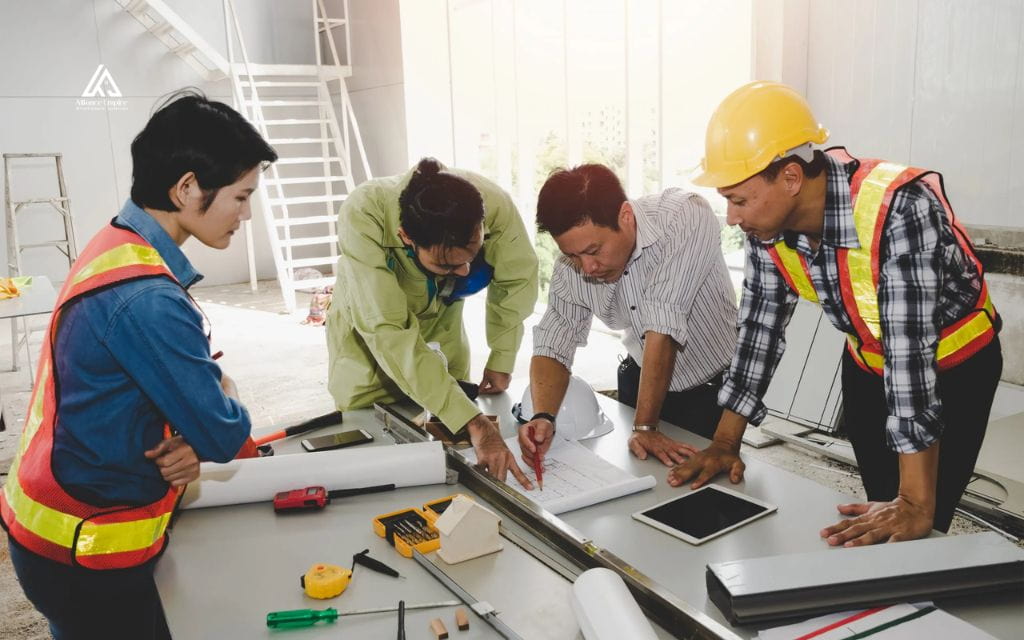
Every construction project depends on more than blueprints and budgets. It depends on how well owners, architects, engineers, contractors, subcontractors, and field crews share information with each other. When teams collaborate, construction schedules hold, costs stay predictable, and rework drops. When they do not, delays and disputes tend to follow close behind.
This guide looks at what construction collaboration actually involves, why it breaks down so often, and what a well connected project team looks like in practice. It also covers the technology, including building information modeling, common data environments, and mobile field applications, that helps stakeholders work from the same accurate information instead of chasing outdated files.
What is construction collaboration?
Construction collaboration is the practice of connecting every stakeholder on a project, from design through closeout, so that information moves freely instead of getting stuck with a single person or department. On a collaborative project, a superintendent in the field and a project manager in the office work from the same set of drawings, the same RFI log, and the same schedule update. Nobody has to guess which version is current or track down an answer through a chain of phone calls.
This matters because construction is inherently a team effort played by companies that do not always share the same goals. Owners want value. Designers want their intent preserved. Contractors and subcontractors want fair compensation for the work they perform. Collaboration in construction succeeds when these separate interests align around one shared outcome: a project delivered on time, on budget, and to the agreed specification.
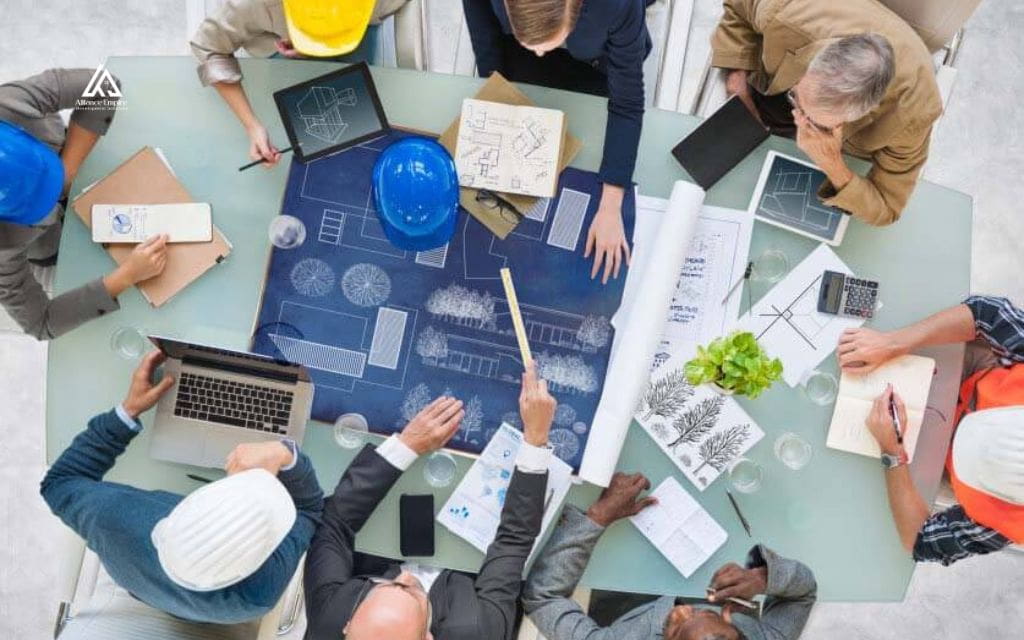
Why collaboration breaks down on construction projects
Fragmented contracts and delivery methods
Traditional delivery methods, like design bid build, define scopes of work for each trade without clearly showing how those scopes connect. Contracts written this way tend to draw hard lines between design and construction, and between the general contractor and each subcontractor. Every party ends up protecting its own scope instead of solving problems as a group, especially when a change affects more than one trade.
Siloed communication between field and office teams
Field crews often discover conditions that do not match the drawings. That information can take days to reach the design team when it has to move through email threads, printed markups, and multiple approval layers. By the time an answer comes back, the crew may have already worked around the problem in a way that creates rework later. Keeping field observations and office decisions in one shared system closes this gap.
Version control problems with drawings and documents
On projects without a shared document system, drawing sets multiply across email inboxes, shared drives, and printed binders. Superintendents may build from an outdated PDF while the design team has already issued three rounds of revisions. Mismatched versions are one of the most common sources of rework on construction projects, and they are almost entirely preventable with a centralized document repository.
Delayed or unclear RFIs and submittals
Requests for information and submittal reviews are where a lot of project time quietly disappears. When RFIs sit in an inbox instead of a tracked workflow, subcontractors lose days waiting for an answer they need to keep working. Clear ownership, defined response times, and a searchable log of past RFIs and submittals keep this process moving instead of stalling the schedule.

What effective collaboration looks like in practice
On a well run project, every stakeholder knows their role and where to find current information without asking. Successful construction project collaboration tends to share a few consistent traits, and these traits show up on projects that manage to keep field and office teams aligned throughout construction.
- Shared source of truth: Drawings, specifications, and schedules live in one system that everyone accesses, so no one works from an outdated file.
- Defined roles and responsibilities: Every stakeholder knows what they own and who to contact when a decision is needed.
- Two way communication: Information flows from the field to the office and back again, not just in one direction.
- Fast, trackable decisions: RFIs, submittals, and change orders move through a clear process instead of getting lost in email.
- Trust between parties: Teams that share information openly resolve conflicts faster and take on repeat work together more often.
Technology that supports better collaboration
Building information modeling and model coordination
Building information modeling (BIM) creates a shared 3D model that carries far more information than a traditional drawing set, including scheduling data, material specifications, and coordination between trades. Design and construction teams use a shared model to catch clashes between mechanical, electrical, plumbing, and structural systems before they become a costly field conflict. Model coordination meetings give every discipline a chance to review the same information at the same time.
Common data environments
Common data environment (CDE) platforms house project drawings, models, and documents in one centralized, cloud based location. Every stakeholder pulls from the same repository, so version control problems and outdated file confusion become far less likely. Most CDEs also track document history, which makes it easier to see who changed what and when.
Mobile field applications
Mobile applications let field teams document conditions, submit RFIs, and access current drawings directly from a tablet or phone on the jobsite. Photos, markups, and daily reports sync back to the central project record in real time instead of waiting for someone to return to the office. This closes the gap between what the field observes and what the office knows.
Centralized project management platforms
Project management platforms bring scheduling, budgeting, RFIs, submittals, and daily reporting into one connected system. Instead of switching between spreadsheets, email, and separate software for each function, teams manage the entire project lifecycle from a single dashboard. This visibility helps project managers catch schedule or budget issues early, while they are still manageable.
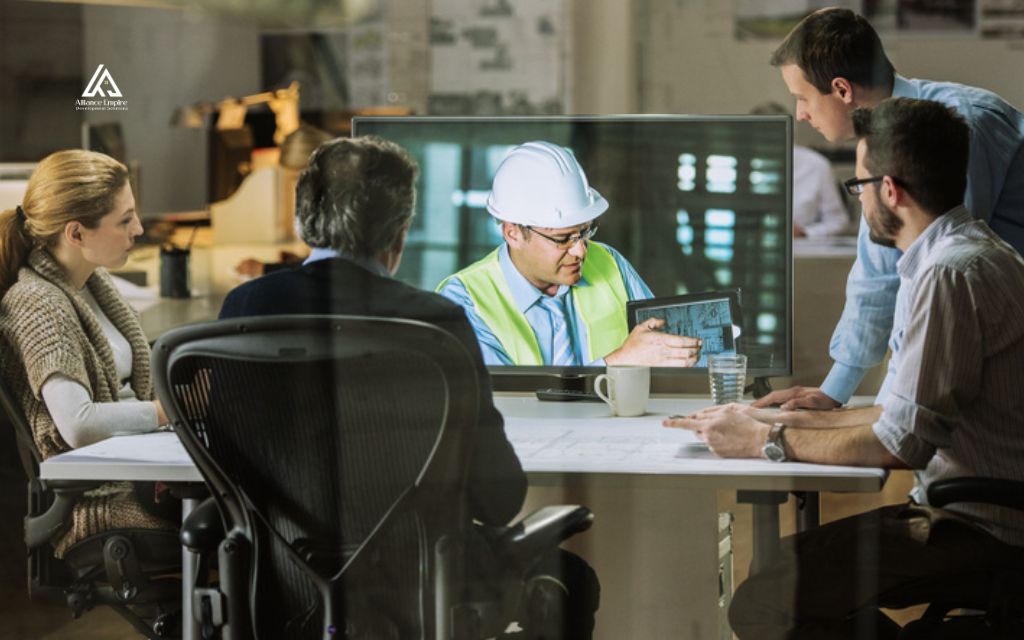
How better collaboration improves project outcomes
Better construction project collaboration is more than a cultural shift. It shows up directly in project performance, and teams that share accurate information consistently outperform those that do not. The improvements tend to show up in a few measurable areas.
- Less rework: Miscommunication and outdated information are two of the leading causes of rework, so closing those gaps reduces wasted labor and material.
- Fewer RFIs and delays: Clear documentation and shared models mean fewer questions need to be asked in the first place.
- Stronger schedule performance: Faster decisions and fewer conflicts keep trades moving without waiting on answers.
- Better cost control: Fewer change orders driven by miscommunication translate directly into more predictable project costs.
- Higher accountability: When roles and responsibilities are clear, it is easier to identify where a process broke down and fix it going forward.
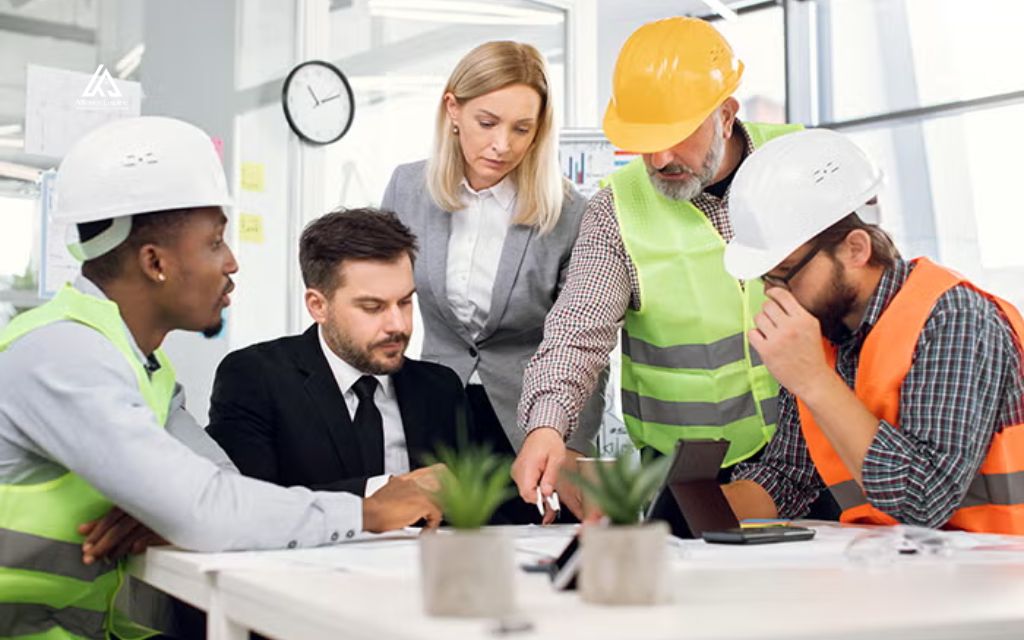
Practical steps to build a more collaborative project culture
None of these tools or traits appear automatically. Building a collaborative culture takes a deliberate set of habits that project leadership reinforces from preconstruction through closeout, starting with the following steps.
- Standardize communication channels: Pick one system for RFIs, submittals, and daily updates so information does not scatter across email, text, and phone calls.
- Establish a single source of truth: Store current drawings, specifications, and schedules in one shared location that every stakeholder can access.
- Set clear escalation paths: Define who makes which decisions and how quickly a response is expected, so questions do not sit unanswered.
- Train field teams on the tools: Field teams get the most value from a platform when they know how to use it correctly.
- Review lessons learned: Revisit communication breakdowns after each project phase and adjust the process before the next one starts.
Conclusion
Construction collaboration is not a single tool or checklist item. It is a mix of clear roles, shared information, and communication systems that let owners, designers, contractors, and field teams work from the same accurate picture of a project. Teams that build these habits consistently see less rework, fewer delays, and stronger outcomes across schedule and budget performance.
Alliance EDS works with general contractors, subcontractors, and project owners across Colorado to keep construction projects connected from preconstruction through closeout. Contact Alliance EDS at (720) 484-8181 to talk with the Denver based team about your next project.
Frequently asked questions (FAQs)
What is the difference between coordination and collaboration in construction?
Coordination generally means making sure separate teams do not conflict with each other, like scheduling trades so they are not working in the same space at once. Collaboration goes further. It means teams actively share information, solve problems together, and work toward a shared project goal rather than just avoiding conflicts.
Why is communication such a common problem on construction projects?
Construction projects involve many companies working from different contracts, different software, and often different physical locations. Without a shared system, information has to pass through multiple people before it reaches everyone who needs it, and each handoff creates a chance for delay or error.
Does construction collaboration require new software?
Construction collaboration relies more on communication habits than on any specific piece of software. Still, a shared digital system for documents, models, and RFIs makes those habits far easier to sustain, since it removes a lot of the manual work involved in keeping everyone updated.
Who is responsible for leading collaboration on a project?
Responsibility is typically shared. The general contractor or construction manager usually leads day to day coordination, but architects, engineers, and subcontractors all play a part in keeping information accurate and communication moving in both directions.
How does poor collaboration affect project costs?
Poor collaboration is one of the leading causes of rework, which directly increases labor and material costs. Delayed RFIs and unclear documentation can also add real time to a schedule, and every additional week on a project tends to add cost through extended overhead and financing.